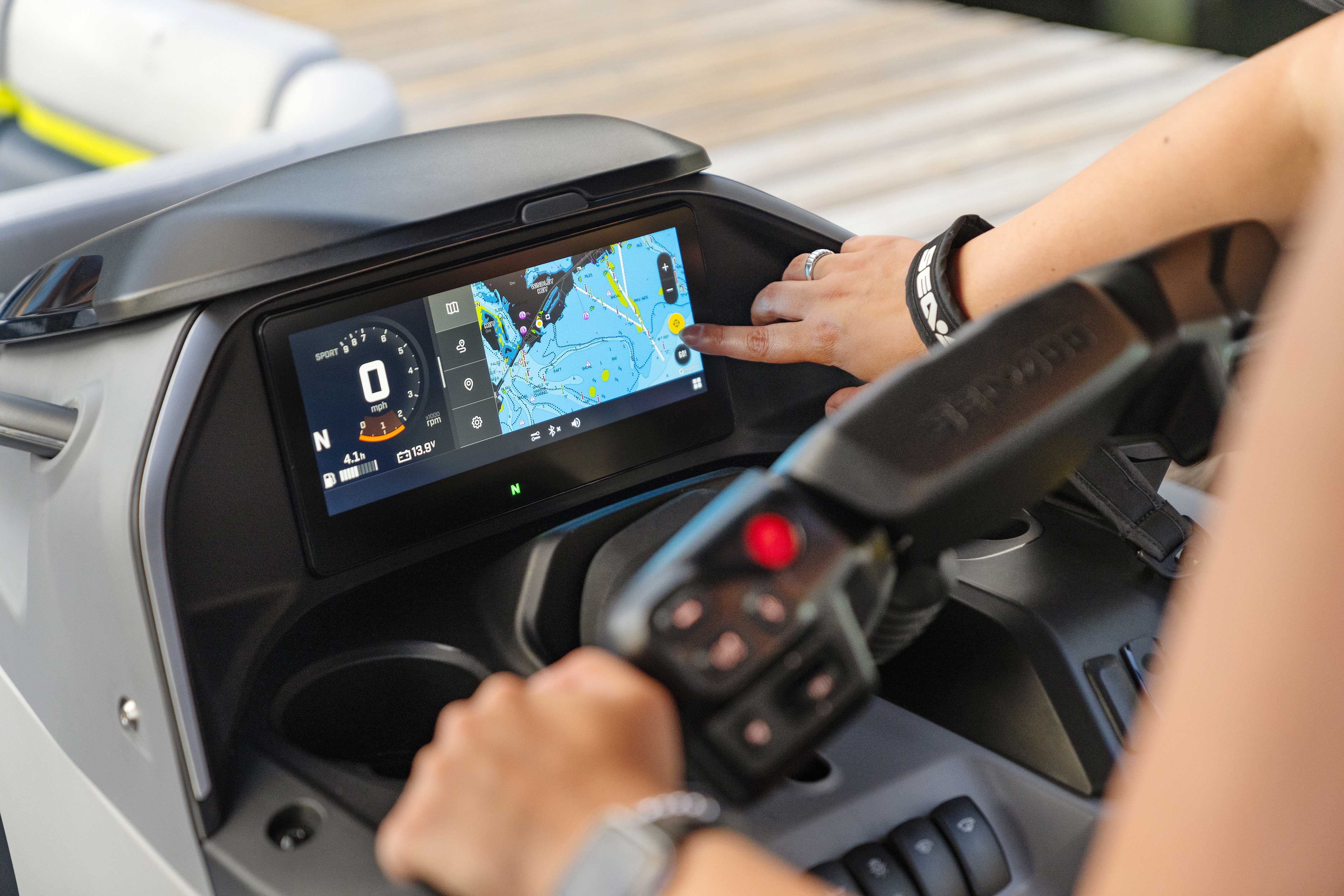
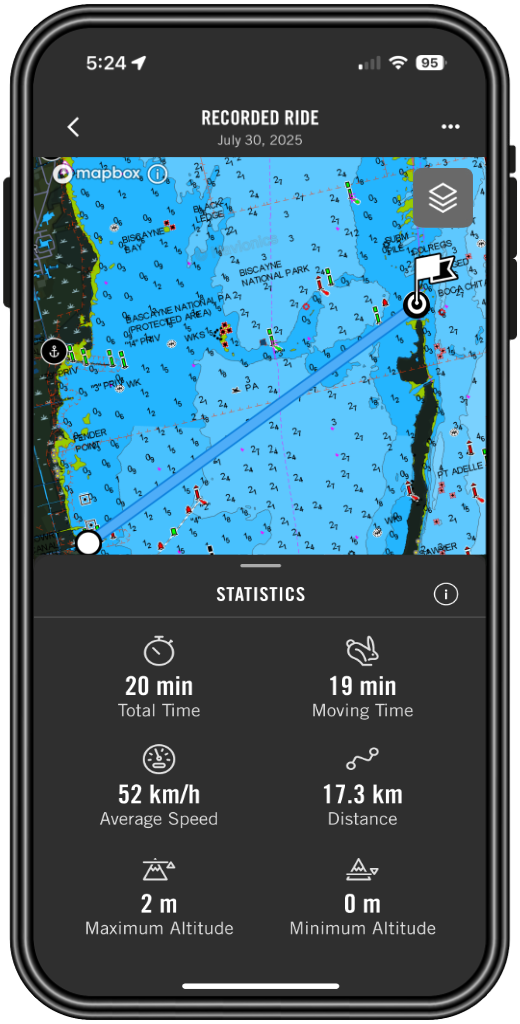
Stay on track for more fun on the water. The 10.25″ touchscreen display is packed with technology to level up your riding experiences, like the Navionics nautical charts through the BRP GO! app. When you connect the app to the display, you can record your rides, get guided water navigation, keep track of your riding crew in real time on the map, and more. Here’s a quick guide with the latest instructions on how use this awesome marine GPS technology for your next Sea-Doo adventures.
Step 1: Download the BRP GO! app
Download the BRP GO! app on your mobile device. It’s available for free on the App Store (Apple) and Google Play Store (Android).
Step 2: Plan your rides, create groups, and download your maps
Open the app on your mobile device, go to the “Navigation” tab and access the “Water” playground by selecting the Map Details button on the top right of the map. From there, you can see the map with official points of interest, subscribe to Navionics nautical charts for detailed marine navigation, plan your next adventures, add friends to see them on the map, create and join groups, and a much more. Be sure to note that a few of those features (planning rides, adding friends, creating groups, and downloading areas for offline use) can only be used from the phone (and not on the vehicle display), so plan ahead!